


高精度处理PDF工具,免费开源。支持API、DIFY。
解析后的格式也很多:md、json等,支持提取所有图片。
下载dockerfile和compose文件
# linux
wget https://gcore.jsdelivr.net/gh/opendatalab/MinerU@master/docker/china/Dockerfile
wget https://gcore.jsdelivr.net/gh/opendatalab/MinerU@master/docker/compose.yaml

# windows
iwr https://gcore.jsdelivr.net/gh/opendatalab/MinerU@master/docker/china/Dockerfile -OutFile Dockerfile
iwr https://gcore.jsdelivr.net/gh/opendatalab/MinerU@master/docker/compose.yaml -OutFile compose.yaml
构建镜像
# 构建镜像
docker build -t mineru:latest -f Dockerfile .
GPU运行
在运行之前,可以先检查下是否可以使用GPU。
# 检查GPU
nvidia-smi
# 检查docker
docker run --rm --gpus all nvidia/cuda:12.2.0-base-ubuntu22.04 nvidia-smi
# 能工作 = 你的 Docker 有 GPU
# 失败 = 你的 compose 不能用 GPU 版。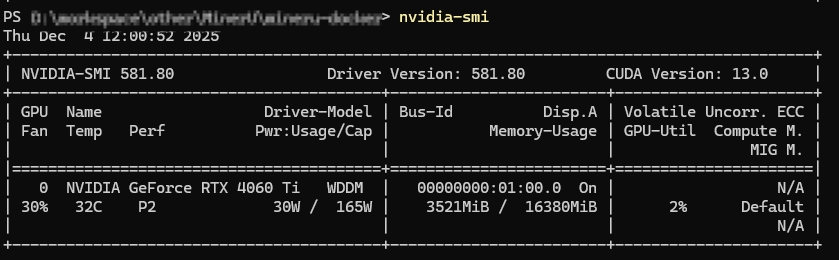
启动
# 启动 Web API 服务(用于文件解析/API 调用)
docker compose -f compose.yaml --profile api up -d

# 启动 Gradio Web UI 服务(如果你想用 Web 界面交互)
docker compose -f compose.yaml --profile gradio up -d
使用
(一)API
基于FastAPI的接口程序,
访问:http://localhost:8000/docs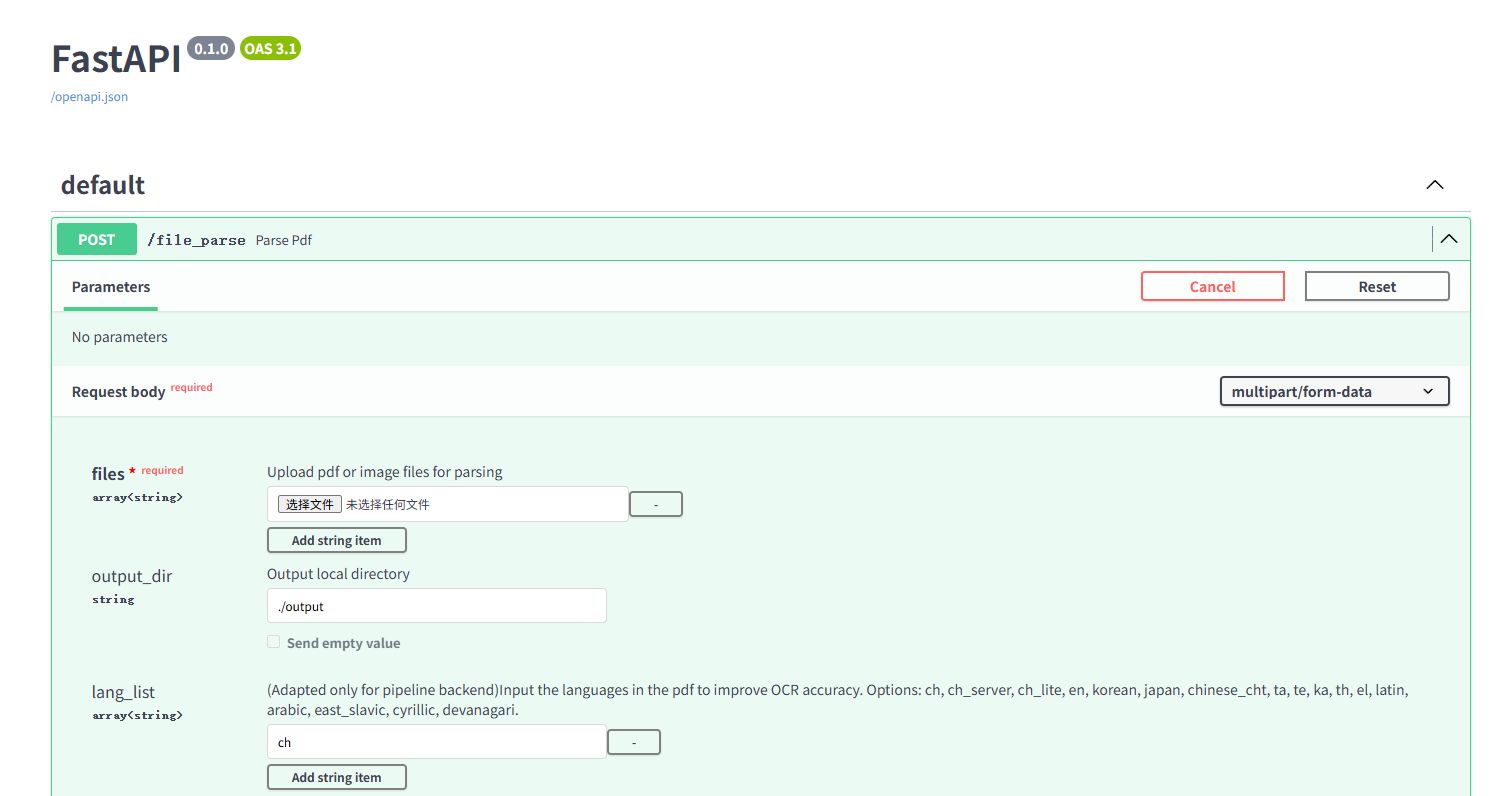
(二)Web 界面交互
访问:http://localhost:7860/
上传PDF,就可以解析查看结果。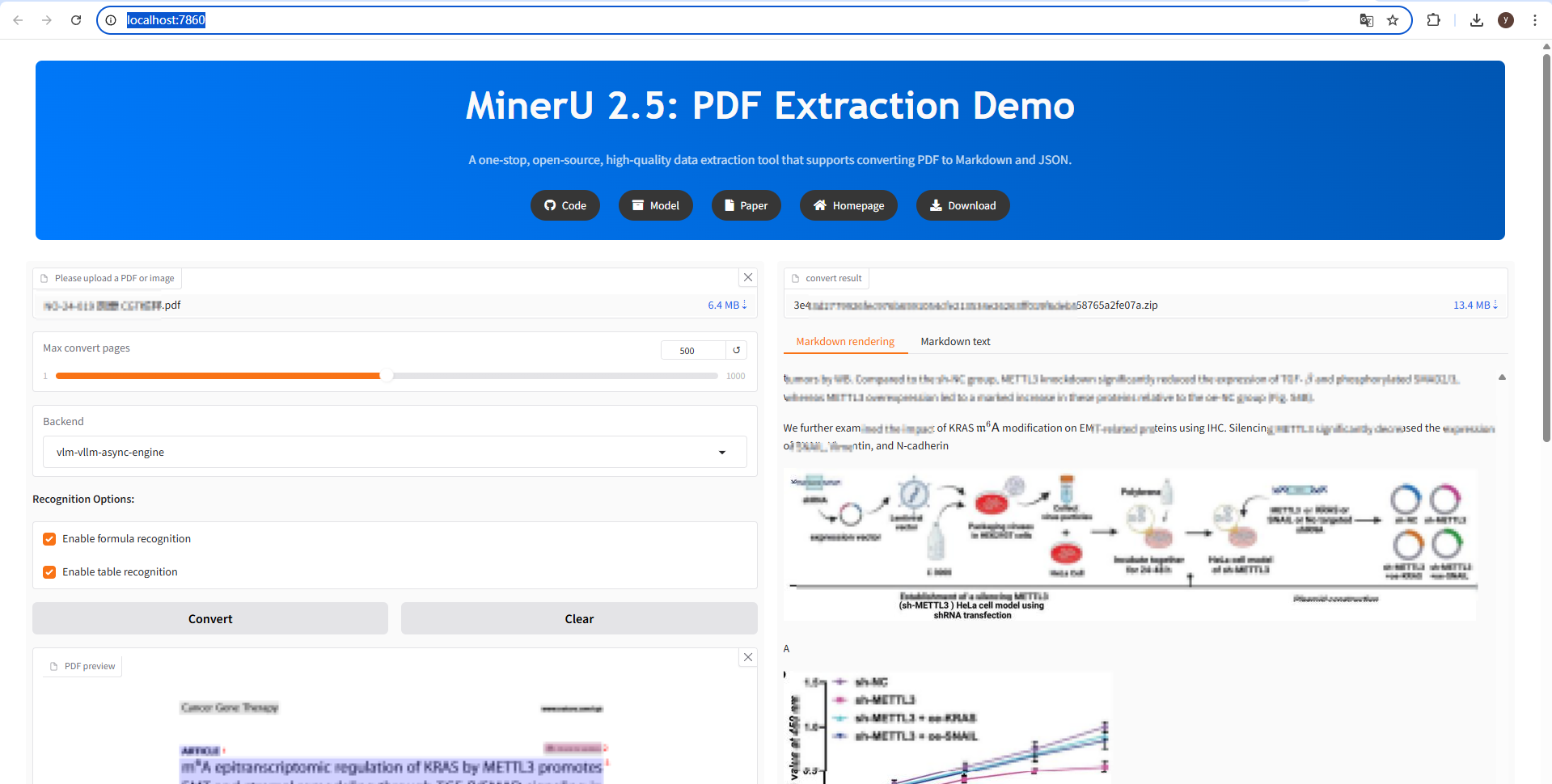
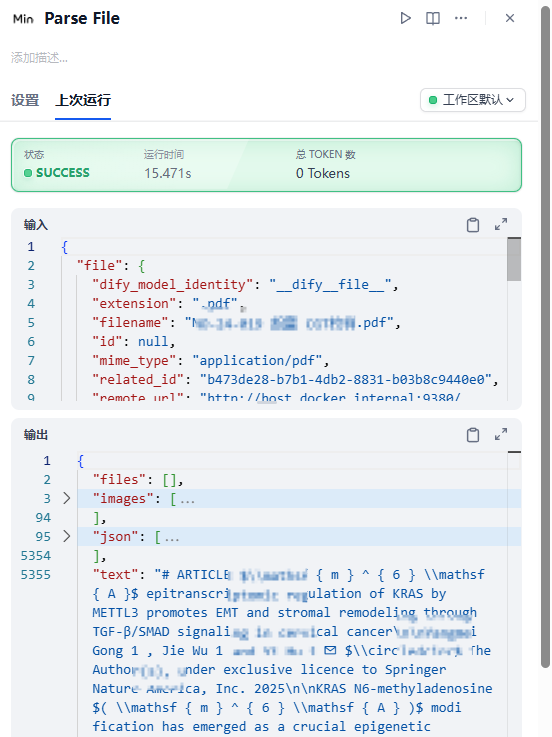
(三)Dify中使用
安装MinerU插件
配置MinerU服务的Base URL = 上方FastAPI-API接口,(localhost可能不行,可以换成局域网IP或dockerHost)
服务类型选择本地部署即可
其他不用配置。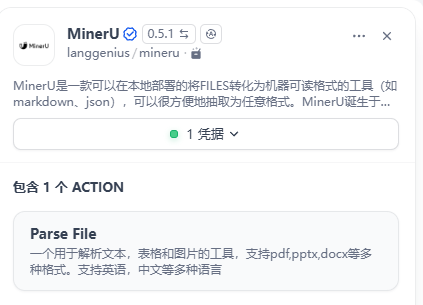


评论 (0)